Build Confidence Through Training
At Maritime Rescue Associates, we provide professional medical training and equipment for all watercraft enthusiasts. Giving you peace of mind before you even leave the dock.
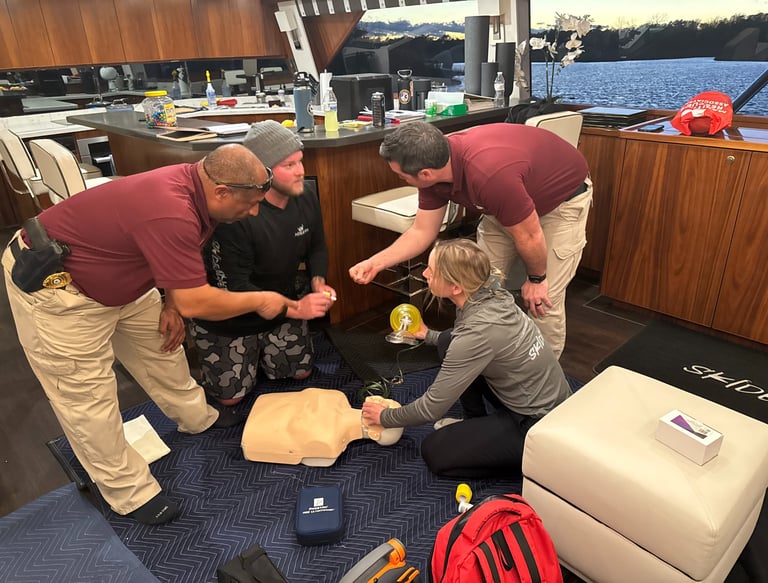
US Coast Guard and National Maritime Center Approved Courses
MRA is partnered with the Health and Safety institute, which is approved by the USCG and NMC to teach select course for required merchant mariner licensing
Health and Safety Institute Approved Training Center
AED Sales
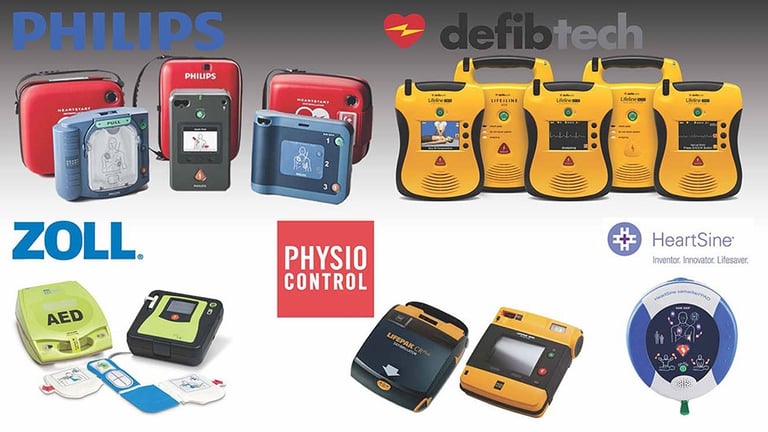
AED's are now available for purchase through our HSI program. We offer all major brands along with medical oversight, full kits, and cabinets. Inquire about our products today!

Medical Equipment
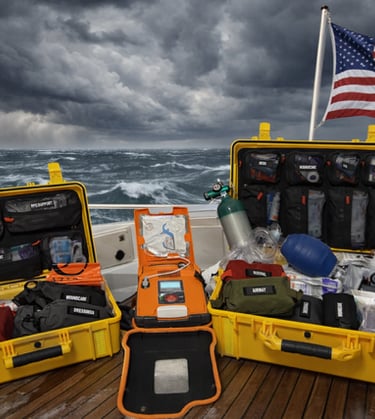
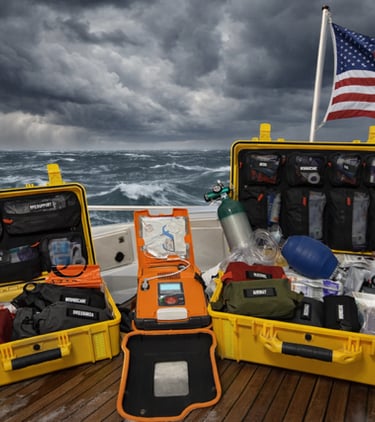
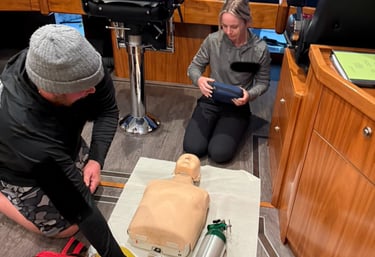
Need medical equipment? we've got you covered with our wide variety of emergency products. From small first aid kits to full comprehensive hard cases, MRA is dedicated to providing quality medical products so that you are prepared when faced with a medical emergency.
Join our certified courses to enhance your skills and ensure safety on the water for everyone.
Certified Training