Build Confidence Through Training
Maritime Rescue Associates provides professional Coast Guard Approved medical training and equipment for all watercraft enthusiasts. Giving you peace of mind before you even leave the dock.
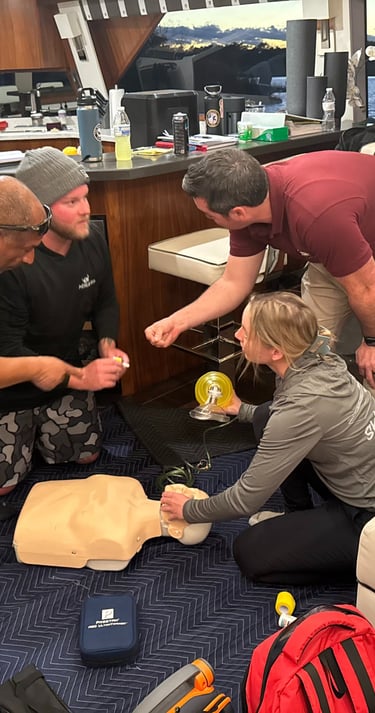
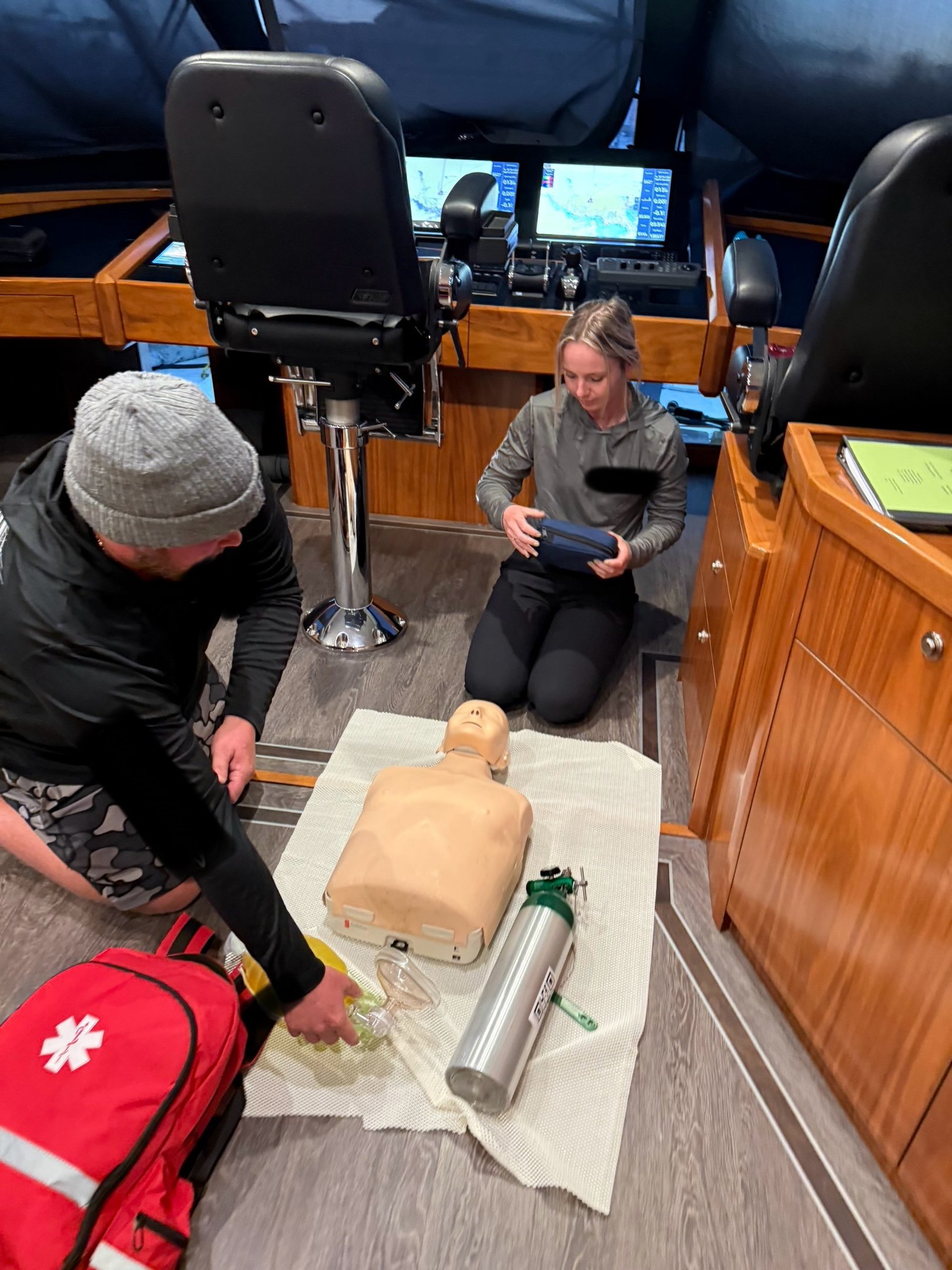
US Coast Guard & National Maritime Center Approved Courses
MRA is partnered with the Health and Safety institute, which is approved by the USCG and NMC to teach select courses required for merchant mariner licensing
Our services
From lifesaving medical equipment to expert training programs, we deliver the tools and knowledge maritime professionals need to respond with confidence.
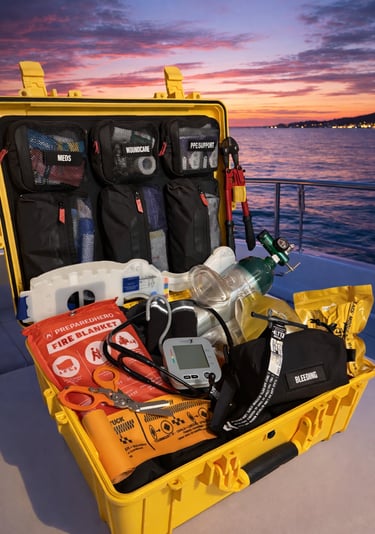
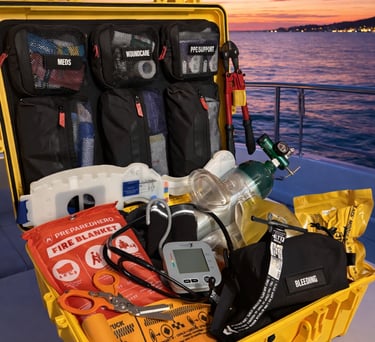
Marine Grade Medical Equipment
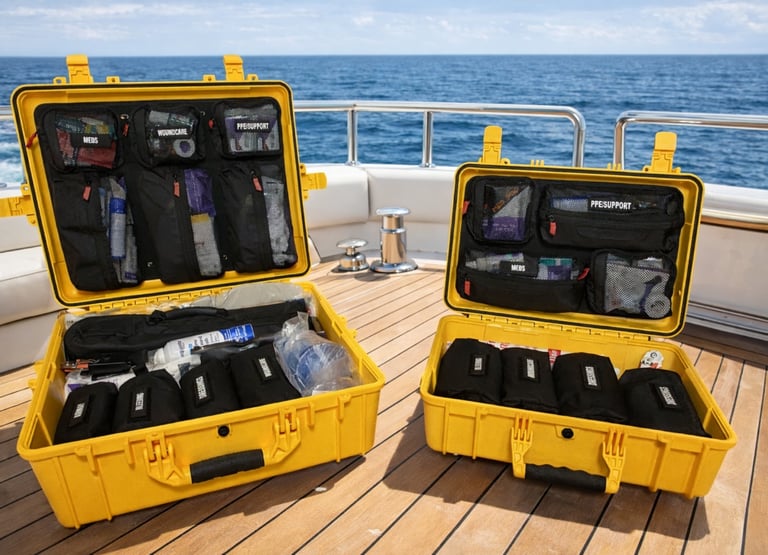
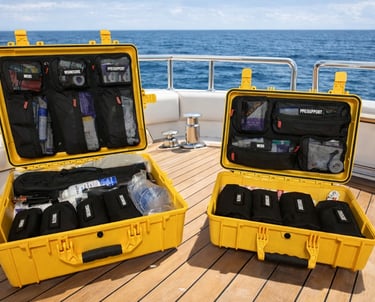
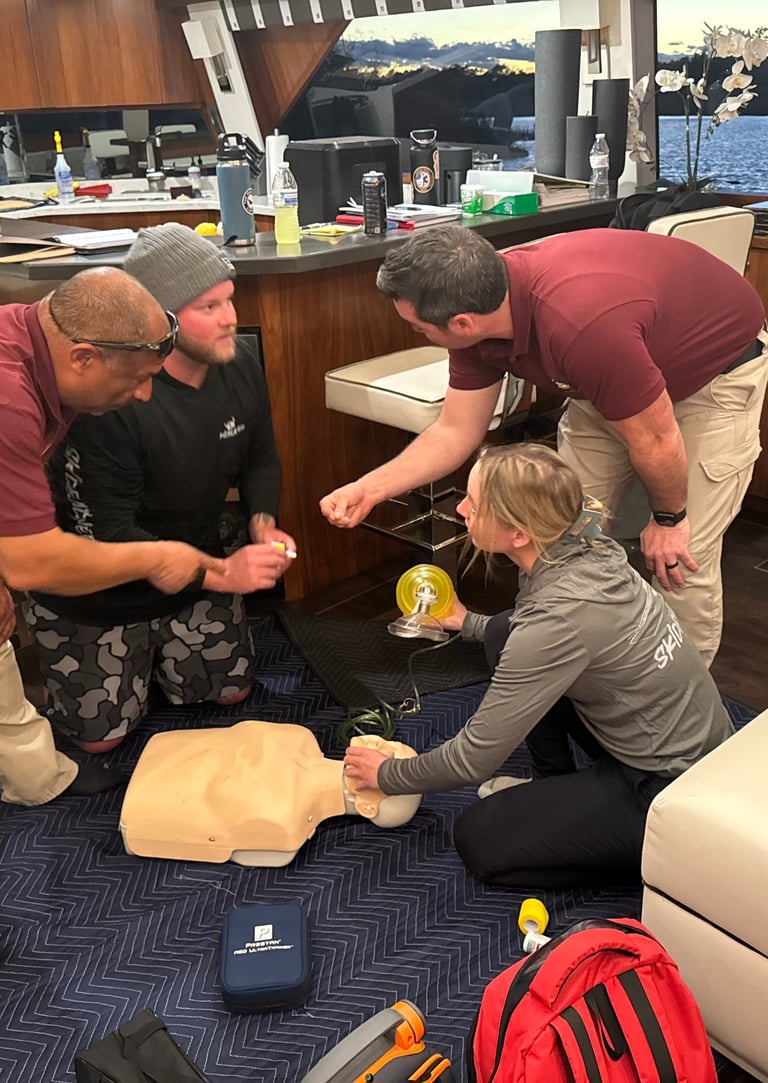
From basic water safety and CPR courses to comprehensive emergency response certifications, MRA is dedicated to providing high-quality instruction so you are prepared to act confidently when it matters most.
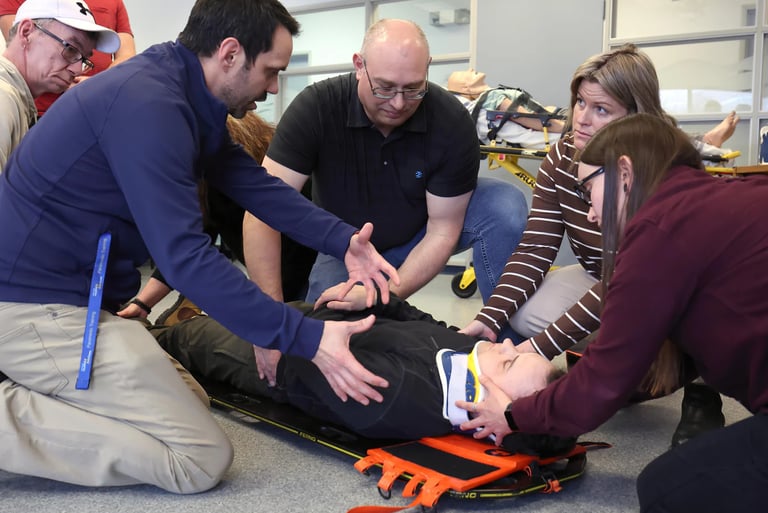
Certified Medical Training
Build your confidence and expertise. Gain the essential skills needed to promote safety, respond effectively in emergencies, and help create a safer environment on and around the water.
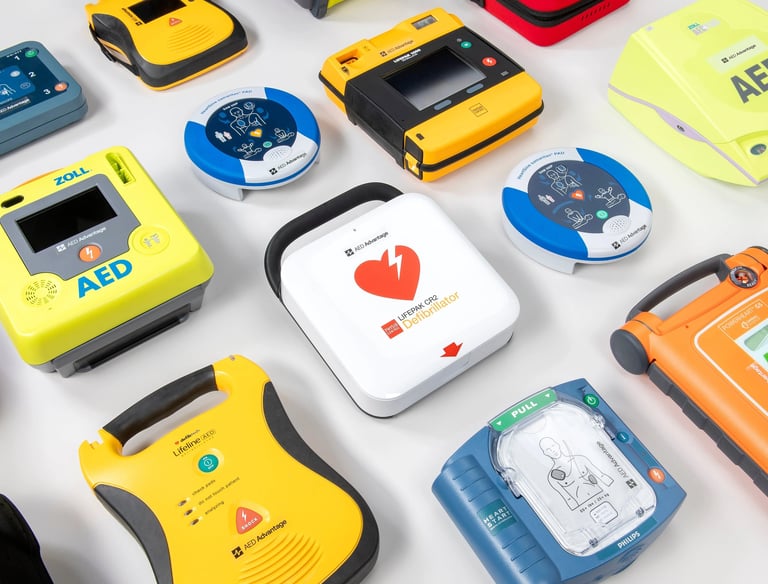
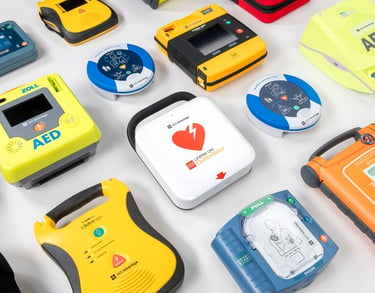
We provide a complete selection of leading AED brands, backed by medical oversight, comprehensive readiness kits, and durable storage cabinets.
Automated External Difibrillators
Atlantic City Boat Show
AS SEEN AT THE
Our Partners